You’re probably in the same spot most security teams hit once the environment stops fitting on one whiteboard. The network scanner catches obvious exposure. The endpoint platform shows local weaknesses. The cloud team has its own view. Developers run separate checks in CI. Then someone asks for one clear answer to a simple question: what matters, and who’s fixing it?
That’s where most vulnerability scanning tools look better in demos than in production. The hard part usually isn’t finding issues. It’s deciding whether you need agent-based coverage, agentless discovery, cloud context, web and API depth, or a platform that can survive MSP and MSSP realities like multi-tenancy, client reporting, white-label delivery, and sane integration with ticketing and remediation workflows.
Vulnerability scanning also isn’t a one-time audit anymore. IBM notes that scanning became a formalized security practice in the late 1990s, and modern programs now rely on recurring automated assessment, asset discovery, and severity-ranked remediation rather than occasional spot checks. IBM also points to the underlying scale problem: the CVE program logged over 40,077 entries in 2024, while CVSS gives teams a 0-to-10 severity model for prioritization in its overview of vulnerability scanning.
This guide gets to the useful part quickly. It sorts leading tools by primary use case and calls out where each one fits, where it doesn’t, and what MSPs and MSSPs should pay attention to before locking themselves into a workflow that looks efficient but creates more backlog than closed risk. If you’re also responsible for auditing IT systems, the product choice matters even more because reporting quality and evidence trails become part of the service.
1. InsecureWeb | Dark Web Monitoring for Business and MSPs
Traditional vulnerability scanners answer one question well: what’s exposed or misconfigured in the environment you can see? InsecureWeb adds the question many teams miss until after an incident: what’s already circulating outside your perimeter?
That matters because credential exposure, impersonation, and leaked business data often show up before a standard network or host scan tells you anything useful. InsecureWeb continuously runs live scans across an 18B+ record breach dataset, linking exposed credentials and sensitive data to domains, IPs, or phone numbers. For MSPs and security providers, that creates a practical service layer you can sell immediately, especially when clients care as much about account takeover and brand abuse as missing patches.
A closer look helps:
Why it stands out
InsecureWeb isn’t just trying to be another network scanner with a different dashboard. It combines dark web monitoring, vulnerability scanning, AI-guided penetration testing, fake-site and fake-account detection, deepfake monitoring, and reputation monitoring into one external-risk view.
For service providers, a key differentiator is packaging. White-label capability and free API access make it easier to embed monitoring into your own client portal or managed offering. That’s more useful than a flashy UI if you’re running a multi-client practice and need the platform to fit your delivery model, not the other way around.
Practical rule: If your clients routinely ask whether their staff credentials are exposed, a scanner alone won’t answer the question fast enough. You need breach-derived visibility alongside technical scanning.
It’s also one of the easier places to start if you want low-friction adoption. A free tier lets teams validate the signal before rolling it into a larger managed service, and its digital risk protection capabilities broaden the value beyond classic CVE hunting.
Best fit and trade-offs
InsecureWeb makes the most sense when your risk picture extends beyond assets you directly manage. MSPs, MSSPs, hosting providers, and security resellers can use it to monitor client domains, brands, and identities without waiting for a scheduled scan window.
The trade-off is straightforward. No dark web monitoring platform can guarantee coverage of every underground source, and detections depend on available breach data and collection visibility. That doesn’t reduce the value. It just means you should treat it as a high-signal external exposure layer, not a replacement for internal vulnerability management.
Pros
- Broad external risk coverage: Detects exposed credentials and leaked data tied to domains, IPs, and phone numbers.
- MSP-ready delivery: White-label support and free API access fit managed offerings.
- More than scanning: Adds AI-guided penetration testing, fake-site detection, deepfake monitoring, and reputation monitoring.
- Accessible entry point: Free tier lowers adoption friction.
Cons
- Coverage isn’t universal: Underground source visibility will always be incomplete.
- Advanced use needs planning: Deeper monitoring and larger-scale deployment may require paid plans and operational setup.
2. Qualys VMDR (Vulnerability Management, Detection & Response)
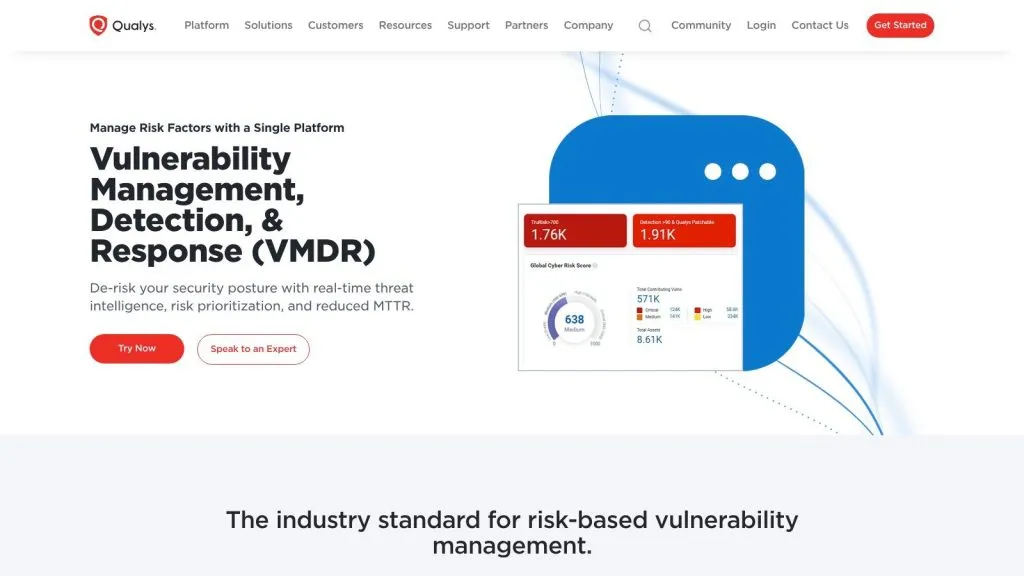
Qualys VMDR is what I’d put in the “broad operational platform” bucket. It’s built for teams that need one system to inventory assets, assess vulnerabilities and configurations, prioritize risk, and drive remediation without bolting together too many separate consoles.
Where Qualys fits best
Qualys works well when the environment is mixed and the scanning model can’t be one-size-fits-all. Cloud agents, virtual scanners, passive sensors, container sensors, and gateway optimization let teams cover endpoints, on-prem systems, cloud assets, and containerized workloads through a single program. That flexibility matters for MSPs managing clients with very different network access and deployment constraints.
A useful strength is the move from raw findings to remediation orchestration. That aligns with a broader market shift toward cloud assessment and risk-based prioritization, especially as large enterprises continue to drive most spending in security and vulnerability management. One industry estimate places their revenue share at 70.3% in 2024 in Mordor Intelligence’s market analysis. You can see that enterprise influence in platforms like Qualys, where the expectation isn’t just detection, but workflow.
The best Qualys deployments are disciplined. If you don’t tune scopes, tags, and remediation ownership early, the platform will happily give you a very accurate backlog.
Pros
- Sensor flexibility: Supports agent, virtual appliance, passive, and container-based coverage.
- Integrated workflow: Ties assessment, prioritization, and patch orchestration together.
- Enterprise-ready scale: Good fit for mid-market and large distributed estates.
Cons
- Sales-led pricing: Estimating total cost can take work.
- Complexity for smaller teams: Reporting depth and feature breadth can feel heavy if you only need basic scanning.**
A side note for incident response planning: if exposed credentials are part of your concern, technical scanning still won’t answer the full question of what a data breach looks like operationally.
3. Tenable Nessus and Tenable Vulnerability Management
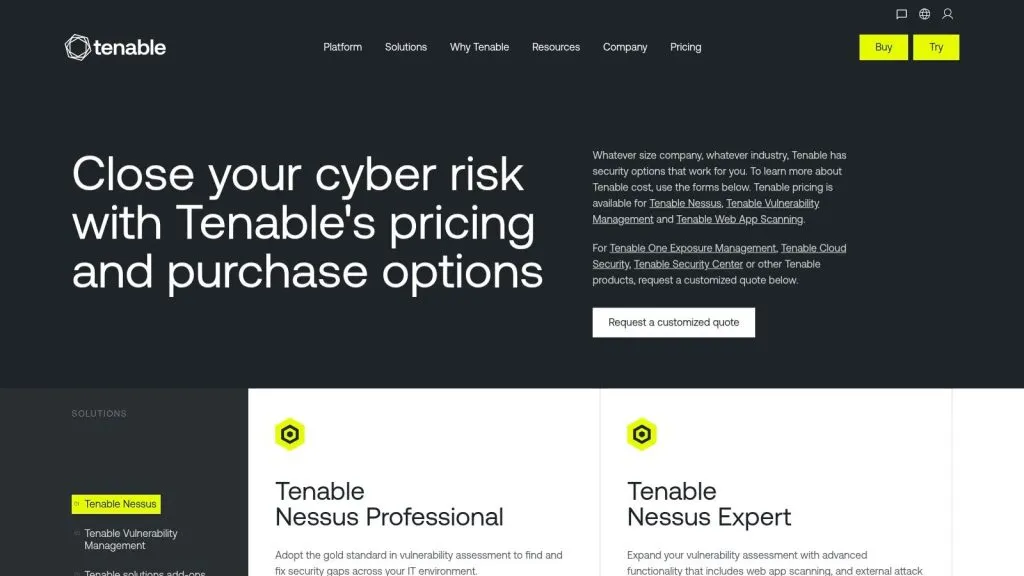
Tenable remains a baseline choice for a reason. Nessus is one of the most familiar names in vulnerability scanning tools, and Tenable Vulnerability Management adds the dashboards, prioritization, and integrations that turn a scanner into a broader program.
What it does well
Nessus is often the tool teams already know how to operate. That’s useful. Familiarity shortens rollout time, especially for MSPs hiring analysts who’ve touched Nessus before and don’t need a long ramp just to run authenticated scans or interpret plugin-based findings.
Tenable’s strength is breadth of vulnerability knowledge and deployment flexibility. You can start with a local scanner, then move into cloud-managed workflows as the program matures. Agent-based and agentless options help when parts of the estate are reachable and others aren’t.
Safe Security describes the historical shift in scanner design as a move from narrow probes toward multi-surface platforms spanning networks, hosts, web applications, and cloud systems in its overview of vulnerability scanning tools. Tenable fits that pattern well, even if some capabilities are spread across separate products instead of one perfectly unified console.
Pros
- Mature knowledgebase: Strong plugin coverage and policy templates.
- Flexible deployment: Works for local scanning and cloud-managed programs.
- Widely understood: Easier staffing and operational handoff than niche tools.
Cons
- Product split: Nessus and cloud offerings can create packaging confusion.
- Enterprise tiers add friction: Advanced purchasing decisions usually involve quotes and module comparisons.**
If you want one tool that many practitioners can pick up quickly, Tenable is still hard to dismiss. If you want elegant consolidation across every surface, you’ll need to map the product stack carefully.
4. Rapid7 InsightVM (part of Rapid7 Exposure Command)
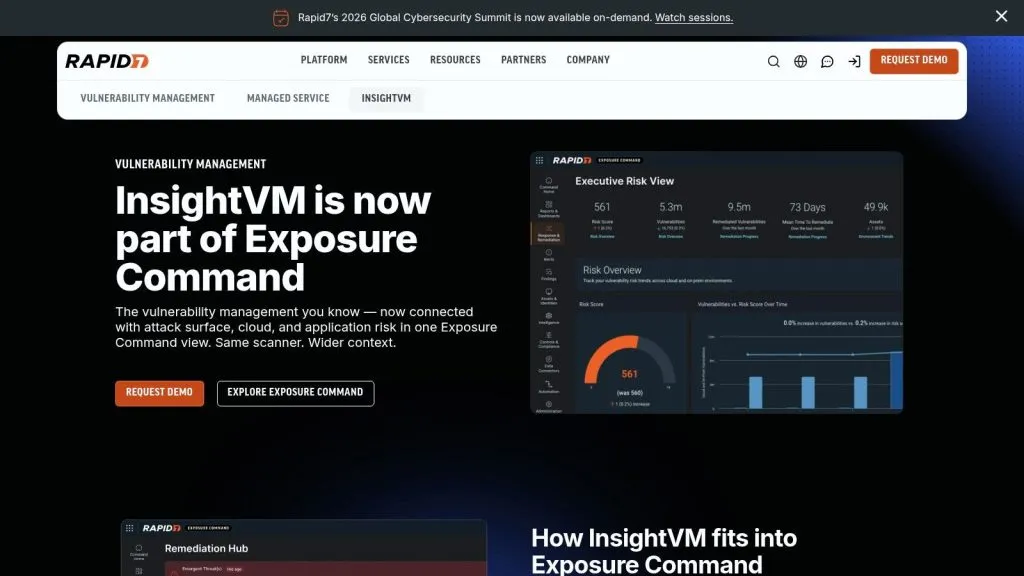
Rapid7 InsightVM has always been strongest when remediation is the core problem. Many tools are good at finding issues. Fewer are good at helping security and IT teams work the queue in a way that survives weekly reality.
Operational strengths
InsightVM combines agent and agentless scanning across hybrid environments and layers it into Rapid7’s broader exposure view. For teams that care about attacker behavior, exploit context, remediation projects, goals, and SLAs, that model feels closer to daily operations than a pure scan-and-report workflow.
The bigger industry backdrop matters here. One of the most underserved topics in this category is how to avoid remediation theater. Rippling points out that mainstream explainers often describe discovery and severity ratings but spend less time on backlog reduction, false-positive tuning, and fix prioritization in its discussion of vulnerability scanning. That’s exactly where InsightVM tends to be more useful than lightweight scanners.
If your weekly review ends with “we still have too many criticals,” you don’t have a visibility problem. You have a prioritization and ownership problem.
Pros
- Remediation-centered workflow: Strong project tracking, goals, and reporting.
- Risk context: Prioritization goes beyond flat severity lists.
- Broader exposure tie-in: Useful for teams already aligning cloud, attack surface, and AppSec views.
Cons
- Packaging needs scrutiny: Exposure Command alignment can require careful sales scoping.
- Cost structure varies: Smaller and larger programs may be priced differently.**
For MSSPs, InsightVM is attractive when the service promise includes measurable remediation progress, not just monthly finding dumps.
5. Microsoft Defender Vulnerability Management (MDVM)
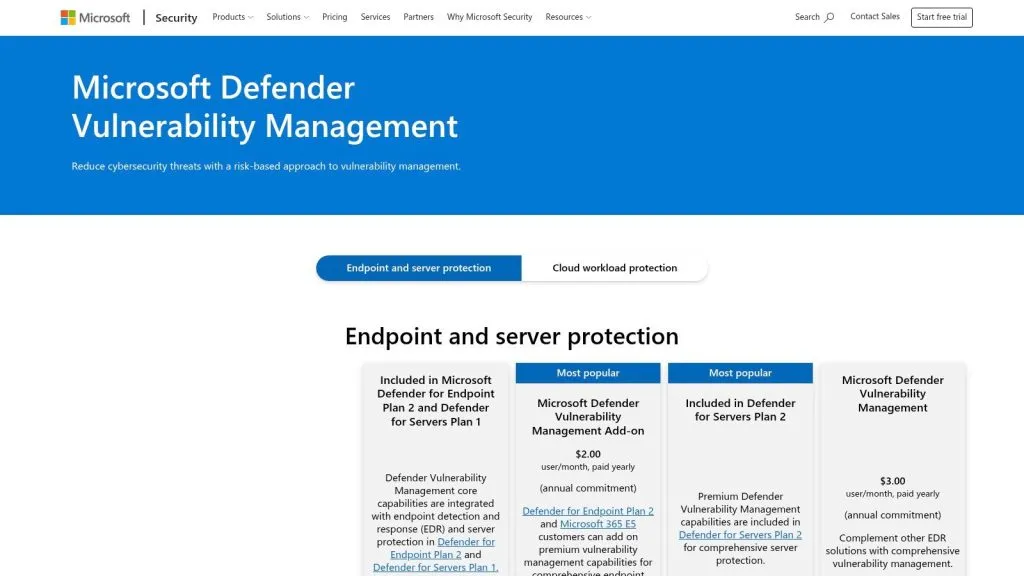
If the client estate is already deep in Microsoft, MDVM can be the least painful answer. It rides on the broader Defender ecosystem, which means you’re not always deploying a whole separate scanning architecture just to get useful visibility.
Visit Microsoft Defender Vulnerability Management
When MDVM is the smart choice
MDVM fits Microsoft-first environments that already use Defender for Endpoint Plan 2 or Defender for Servers. Asset, vulnerability, and misconfiguration insight show up where teams are already investigating endpoint and server risk, so adoption friction is lower than with a stand-alone platform.
This matters more than feature checklists suggest. In many mid-sized environments, the scanner that gets used consistently beats the scanner with the most exhaustive architecture diagram. If your operations team lives in Microsoft security tooling all day, that proximity is a practical advantage.
It’s also a sensible option for training and staffing alignment. Teams working through Microsoft Azure security exam materials will already be operating in the same ecosystem, which makes process adoption easier.
Pros
- Low deployment friction: Especially strong for existing Defender customers.
- Unified visibility: Vulnerabilities and misconfigurations sit close to endpoint and server telemetry.
- Clear fit for Windows-heavy estates: Good operational match for Microsoft-centric teams.
Cons
- Best value stays inside Microsoft: Heterogeneous environments may feel constrained.
- Tool-agnostic programs may prefer independence: Especially MSPs supporting very mixed client stacks.**
MDVM isn’t the most universal option on this list. It doesn’t need to be. It just needs to be the right answer when Microsoft is already the control plane.
6. CrowdStrike Falcon Spotlight (Vulnerability Management)
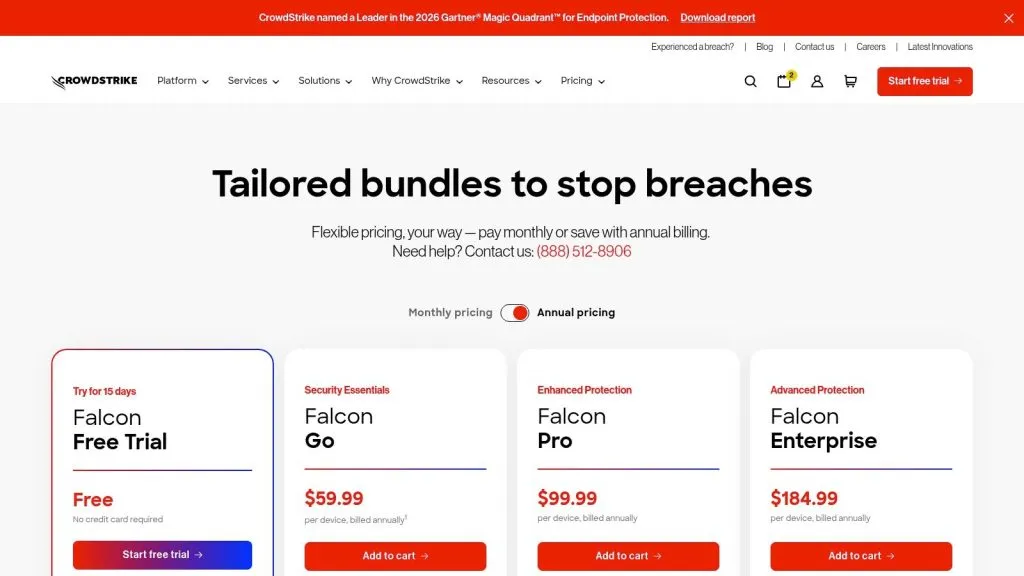
Falcon Spotlight appeals to teams that are tired of treating scanning as a scheduled event. If the Falcon agent is already everywhere, vulnerability visibility can become much more continuous and much less dependent on scan windows.
Visit CrowdStrike pricing and platform details
Where Falcon Spotlight works
This is a strong consolidation play. The same Falcon sensor used for EDR can provide near-real-time vulnerability visibility, exploit-aware prioritization, and workflow integration inside the broader Falcon platform. That reduces operational overhead, especially for lean security teams that don’t want to maintain separate scanning infrastructure where an agent will do the job.
For MSPs and MSSPs, the catch is predictable. Agent-based visibility is great until you hit unmanaged devices, appliances, isolated networks, or third-party-owned assets where deployment isn’t practical. In those cases, Falcon Spotlight often works best as part of a blended approach instead of the only scanner in the program.
Business Research Insights reports that network-based scanning still accounts for about 55% adoption, while application-layer scanners represent about 45% usage, and over 61% of organizations prioritize proactive vulnerability identification in its market report. That split helps explain why agent-led approaches like Falcon Spotlight are compelling, but not complete.
Pros
- Single-agent efficiency: Cuts deployment and maintenance overhead.
- Fast visibility: Good fit for continuously changing endpoint populations.
- Platform consolidation: Natural extension for Falcon customers.
Cons
- Not enough for every asset type: Non-agentable systems still need coverage.
- Packaging is modular: Licensing decisions can get complex.**
7. Greenbone Enterprise and Greenbone Cloud Service (OpenVAS-based)
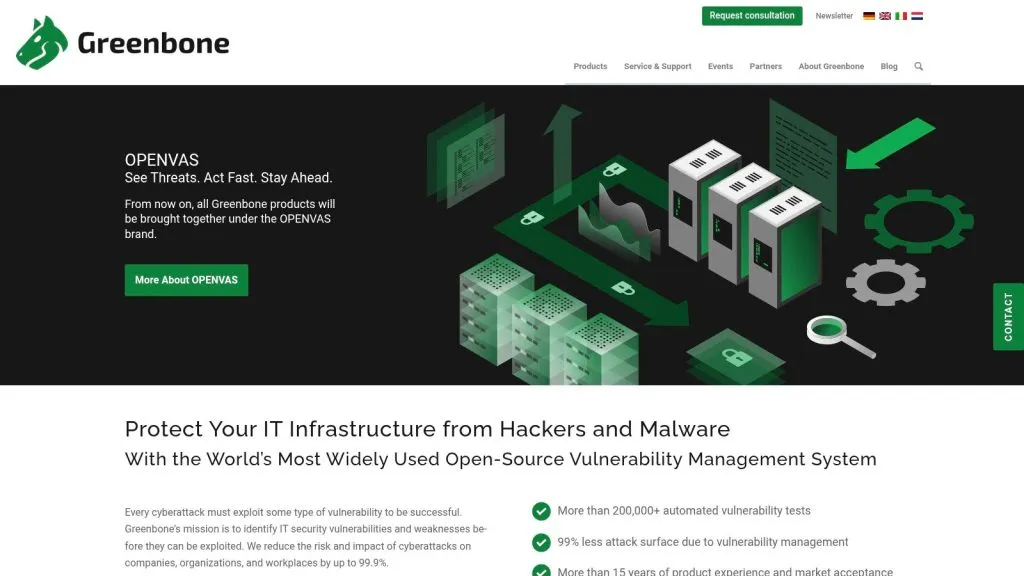
Greenbone occupies a useful middle ground. It has open-source lineage through OpenVAS, but it also offers commercial appliances and a cloud service for teams that want support, multi-tenancy, and less DIY overhead.
Why some teams still choose it
Greenbone appeals to practitioners who care about control, transparency, and deployment flexibility. You can run it on-prem as hardware or virtual appliances, use the enterprise feed, or go with the Greenbone Cloud Service when you need a hosted option.
For MSPs, the multi-tenant angle matters more than flashy branding. If you’re delivering scanning as a managed service, tenant separation, role controls, and clean reporting are what determine whether the platform scales operationally. Greenbone’s cloud service is worth a serious look in those scenarios.
Open-source roots don’t automatically make a platform cheaper to operate. They make it more flexible. Whether that becomes a savings or a burden depends on who’s maintaining it.
Pros
- Flexible deployment: Appliance, virtual, and cloud options.
- Open-source lineage: Attractive for teams that value transparency and control.
- MSP-friendly cloud model: Multi-tenancy suits managed delivery.
Cons
- Pricing visibility can vary: You may need direct sales engagement.
- Documentation can feel distributed: Especially across regional materials.**
Greenbone is often a good fit for organizations that want strong scanning capability without committing to a heavily bundled enterprise ecosystem.
8. Invicti (includes Acunetix engine) – Web & API Vulnerability Scanning
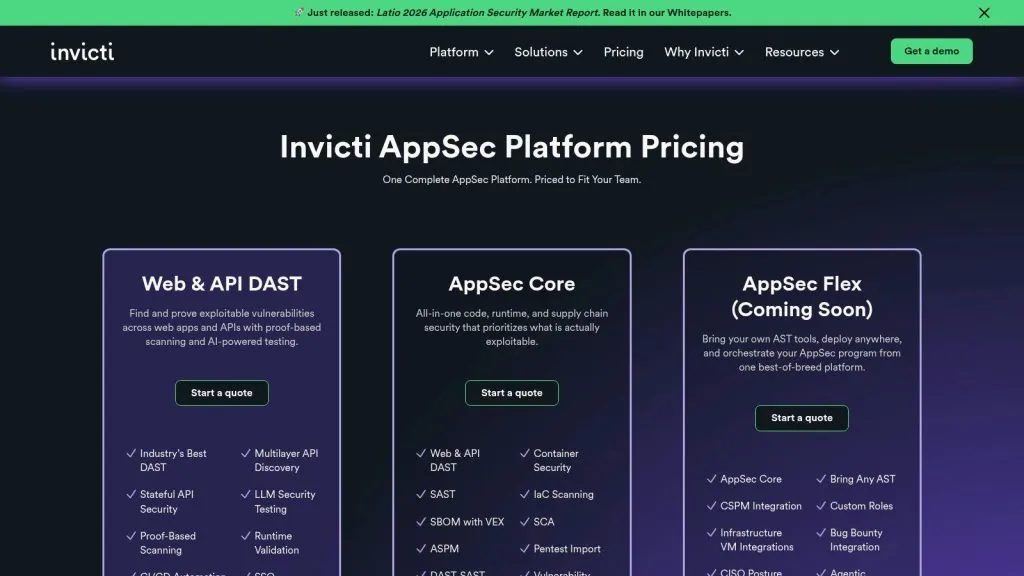
Invicti belongs in a different category from traditional network and host scanners. If your biggest exposure sits in customer-facing web apps and APIs, this is closer to the right tool class.
Why web teams buy it
Invicti combines enterprise DAST capabilities with the Acunetix engine, proof-based scanning, runtime validation, API discovery, and CI/CD-friendly automation. In practice, that means it’s designed to reduce one of the biggest operational irritants in AppSec: findings that development teams argue with because they can’t reproduce them.
That focus is important because many generic vulnerability scanning tools articles still frame the market around IPs, ports, and CVEs. Red Canary notes that the category has expanded toward web app, code, container, and discovery-oriented tooling in its explanation of modern vulnerability scanning tools. Invicti fits that broader reality.
For MSSPs offering external application assessments, it also pairs naturally with brand-focused defenses such as reputation management tools when a client’s concern spans both exploitable apps and public-facing trust.
Pros
- Strong web and API depth: Built for application-layer testing, not generic infrastructure scanning.
- Reduced false-positive friction: Proof-based workflows help analyst credibility.
- Flexible deployment: Cloud and on-prem options support different compliance needs.
Cons
- Not a full replacement for host or network VM: You’ll still need broader infrastructure coverage.
- Sales-led pricing: Expect scoping conversations for enterprise use.**
If the risk lives in authenticated flows, business logic, and APIs, a network scanner won’t save you. A DAST-focused platform might.
9. Wiz (CNAPP with Contextual Vulnerability Management)
Wiz is for cloud estates that are too dynamic for old scanning assumptions. If the environment spans multiple cloud providers, Kubernetes, identities, workloads, and managed services, you need context as much as raw detection.
Best use case
Wiz uses agentless scanning and graph-based risk modeling across cloud resources, workloads, containers, and identities. That’s useful because cloud vulnerability management usually breaks down when teams stare at isolated findings instead of attack paths and exposure chains.
The practical win is speed to value. You don’t need to force another agent rollout just to start building risk context, and that matters in organizations where cloud ownership is fragmented across platform, DevOps, and application teams. For regulated environments, the availability of a FedRAMP-aligned offering also matters.
Pros
- Agentless cloud coverage: Faster onboarding for many environments.
- Rich context: Better suited to multi-cloud and Kubernetes complexity than flat vulnerability lists.
- Strong cloud governance alignment: Useful where compliance and exposure management overlap.
Cons
- Cloud-first by design: On-prem networks and legacy infrastructure need complementary tools.
- Enterprise sales motion: Licensing is typically quote-based.**
Wiz isn’t trying to win the classic network-scanner category. It’s trying to answer a more modern question: which cloud weakness creates reachable risk right now?
10. Snyk (Developer-first Vulnerability Scanning: SCA, Container, IaC, Code)
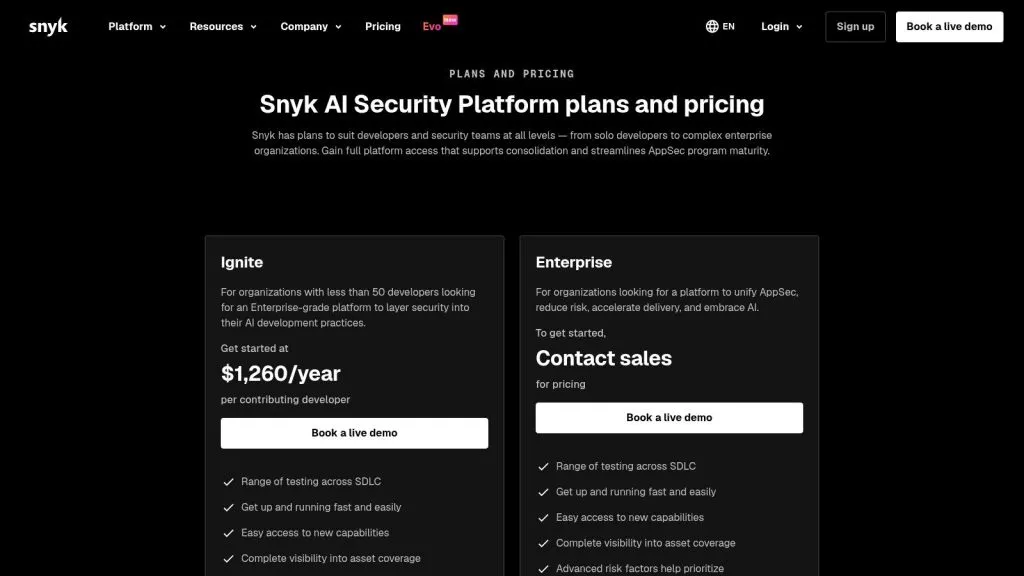
Snyk is what you buy when you want developers to fix issues before those issues become infrastructure tickets. It’s less about classic host discovery and more about shifting vulnerability detection earlier into the software lifecycle.
Where Snyk earns its place
Snyk covers open-source dependencies, containers, infrastructure as code, and source code through products such as Snyk Open Source, Snyk Container, Snyk IaC, and Snyk Code. Its real advantage is workflow fit. CI/CD integrations, IDE support, API access, policy controls, and governance reporting make it easier for development teams to see and act on issues where they already work.
That’s valuable because remediation bottlenecks often start long before a weekly scan report reaches IT. If your program depends on developers cleaning up vulnerable libraries, container images, or IaC templates, a traditional network scanner is too late in the chain.
Pros
- Developer-friendly workflow: Strong integration with code and pipeline tooling.
- Broad pre-deployment coverage: Handles dependencies, code, containers, and IaC.
- Good governance options: Useful for AppSec teams balancing enablement with policy.
Cons
- Not a replacement for infrastructure scanning: It won’t cover the full host and network problem.
- Tier differences matter: Usage limits and features vary across plans.**
For MSPs and MSSPs, Snyk is usually relevant when you also deliver DevSecOps support, secure SDLC services, or application security consulting rather than classic managed network security alone.
Comparison of Top 10 Vulnerability Scanning Tools
| Product | Core features & focus ✨ | UX / Quality ★ | Price & value 💰 | Target audience 👥 | Unique selling point 🏆/✨ |
|---|---|---|---|---|---|
| 🏆 InsecureWeb, Dark Web Monitoring | ✨ Live dark‑web scans (18B+); fake‑site/account detection; vuln scanning; AI‑guided pen testing; deepfake & reputation monitoring | ★★★★☆ real‑time alerts; white‑label & API friendly | 💰 Free tier to start; scalable paid plans for high volume | 👥 MSPs, hosting providers, security resellers | 🏆 Breach‑linked live scans + white‑label API; people & brand protection |
| Qualys VMDR | ✨ Cloud agents, virtual & passive sensors; TruRisk prioritization; patch orchestration | ★★★★★ mature, highly scalable (complex UI) | 💰 Quote‑based enterprise pricing | 👥 MSPs, mid‑market & enterprise | ✨ Broad sensor coverage + risk‑based prioritization (TruRisk) |
| Tenable (Nessus / VM) | ✨ Nessus scanner & large plugin feed; agent/agentless; web app scanning add‑ons | ★★★★☆ extensive vuln knowledgebase; modular suite | 💰 Tiered/quote pricing; multiple products to combine | 👥 MSPs, security teams, auditors | ✨ Massive vulnerability feed and flexible deployment |
| Rapid7 InsightVM | ✨ Agent & agentless scanning; Active Risk scoring; remediation projects & SLA tracking | ★★★★☆ practitioner‑friendly workflows | 💰 Per‑asset at small scale; enterprise quotes | 👥 Enterprises, SecOps teams | ✨ Integrated exposure view + remediation project management |
| Microsoft Defender VM (MDVM) | ✨ Integrated with Defender for Endpoint/Servers; vuln + misconfig insights | ★★★★ low friction in Microsoft‑centric estates | 💰 Packaged with Defender Plan 2 / add‑ons | 👥 Microsoft‑first organizations | ✨ Tight Defender ecosystem integration for Windows/server fleets |
| CrowdStrike Falcon Spotlight | ✨ Continuous agent‑based assessment via Falcon; exploit‑aware prioritization | ★★★★ near‑real‑time visibility; single‑agent simplicity | 💰 Modular, quote‑based pricing | 👥 Organizations already on CrowdStrike | ✨ Single‑agent consolidation of EDR + VM |
| Greenbone Enterprise / Cloud | ✨ OpenVAS lineage; enterprise appliances & cloud service; multi‑tenant feed | ★★★ open‑source transparency; requires setup | 💰 Cost‑effective options; sales‑led pricing | 👥 MSPs, cost‑conscious orgs, on‑prem fans | ✨ Open‑source roots with enterprise support & multi‑tenant delivery |
| Invicti (Acunetix) | ✨ Proof‑based DAST; runtime validation; API discovery; CI/CD integrations | ★★★★ reduces false positives; enterprise governance | 💰 Quote‑based; cloud or on‑prem options | 👥 AppSec teams, DevOps | ✨ Proof‑based web & API scanning to minimize false positives |
| Wiz (CNAPP) | ✨ Agentless, graph‑based cloud risk modeling; multi‑cloud & K8s coverage | ★★★★ fast time‑to‑value for cloud estates | 💰 Enterprise quote‑based | 👥 Cloud‑native enterprises, cloud security teams | ✨ Contextual risk graphs across cloud resources & identities |
| Snyk | ✨ SCA, Container, IaC, SAST; CI/CD & IDE integrations; policy/reporting | ★★★★ developer‑friendly; IDE/CI workflows | 💰 Free → Team/Business/Enterprise tiers | 👥 Developers, DevSecOps, app teams | ✨ Developer‑first scanning across code, deps, containers & IaC |
Decision Checklist: How to Select the Right Vulnerability Scanner
An MSP can buy a highly rated scanner, deploy it across three clients, and still end up with a weak service. The product finds issues, but reporting is clumsy, tenant separation is poor, and engineers spend too much time exporting data by hand. Tool selection affects service delivery as much as detection quality.
Start with the primary use case, not the brand. This guide has already split the market by job to be done: network coverage, web and API testing, cloud exposure analysis, endpoint visibility, developer workflows, and external risk monitoring. That framing matters because a scanner that performs well in one category can be a poor fit in another. Nessus may be the right call for internal infrastructure assessments. Invicti fits web applications better. Wiz belongs in cloud-heavy estates. Snyk fits teams that want findings inside developer workflows instead of a separate security queue.
For MSPs and MSSPs, the next filter is operational fit. Multi-tenancy should be tested early, not treated as a nice extra. Ask whether each client gets clean data separation, delegated access, tenant-level policies, and reporting that does not need manual cleanup before delivery. White-labeling also matters if vulnerability management is part of a packaged service. A good engine with weak client-facing output creates recurring admin work and limits what you can sell.
Integration quality usually decides whether the platform holds up in production. Check how it connects to ticketing, patch tools, SIEM, PSA systems, CMDBs, cloud accounts, and identity providers. API quality matters too. In practice, “has an API” can mean anything from full automation support to a barely documented endpoint set that breaks your workflow. If your team already has a formal process for auditing IT systems, choose a scanner that feeds that process cleanly instead of creating another isolated dashboard.
Use this checklist to narrow the field:
- Define the main surface area: Pick the primary category first. Network, web, cloud, endpoint, developer stack, or external exposure.
- Verify tenant controls: Confirm client isolation, role-based access, delegated administration, and per-tenant policies.
- Review white-label options: Check branded reports, customer portals, scheduled report delivery, and MSSP-friendly presentation.
- Test integration depth: Validate real integrations with PSA, SIEM, ticketing, patching, CMDB, and cloud platforms.
- Decide on agent strategy: Some environments support agents broadly. Others need unauthenticated scans, authenticated scans, or agentless cloud visibility.
- Examine prioritization logic: Findings should be ranked in a way that helps remediation teams act, not just generates another severity list.
- Check exception handling: Good platforms support suppressions, risk acceptance, asset tagging, and remediation grouping.
- Review reporting by audience: Security analysts, IT admins, compliance leads, and client stakeholders need different levels of detail.
- Map coverage gaps: No single product covers infrastructure, applications, cloud, code, and external exposure equally well.
- Price the service model: Include setup time, tuning effort, analyst hours, and reporting overhead, not only license cost.
One more trade-off deserves attention. Broad platforms reduce tool sprawl, but specialist products often produce better results in their own category. I usually advise peers to choose the fewest tools that still match the specific attack surface and delivery model. For many providers, that means one core infrastructure scanner, one web or API scanner if clients run custom apps, and one cloud or external exposure platform where that risk justifies it.
That is also why InsecureWeb belongs in a different buying conversation than a standard internal scanner. Its role is external risk and dark web monitoring, not replacing infrastructure scanning. For MSPs, MSSPs, and resellers, the value is in adding a client-facing service around exposed credentials, fake sites, impersonation, and related external signals, especially where white-label delivery and API access matter.